Guide
How to sell through chat on your online store: a practical guide
Learn how to use website chat, Instagram, and WhatsApp to increase sales. A practical guide on tools, techniques, and automation for small online stores.
Ralfi5 min read
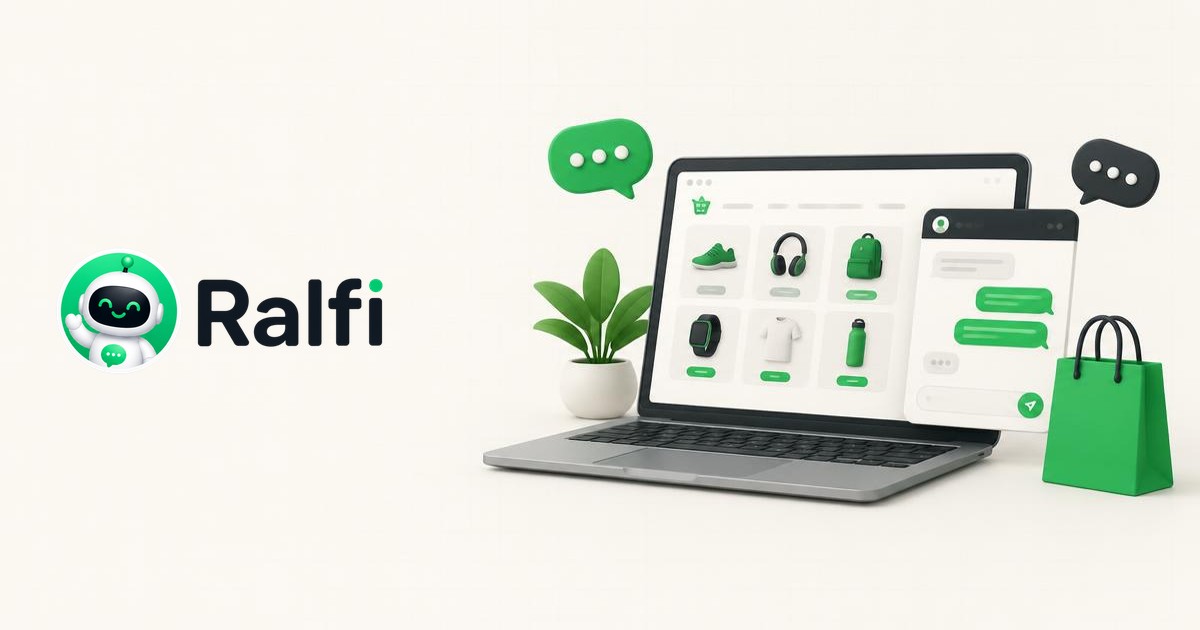
Your customers use chat apps all day. Selling on chat means meeting them where they already are. For a small store, this is a chance to give personal service, which is different from big online stores. A chat is a conversation. It helps the customer feel comfortable with you.
Preparing your store for chat sales
Before you start selling on chat, get your store ready. A bad chat setup can lose you customers. The conversation needs to be simple and useful.
- Real-time catalogue access: Your team needs access to your product info. Names, photos, prices, and especially stock levels. The stock count must be correct. You do not want a customer to wait while you check manually. Or sell an item that is already out of stock. You can connect your store directly with platforms like Shopify or WooCommerce.
- Integrated payments: When the customer wants to buy, payment has to be simple. Do not tell them to go to your website, find the product, and add it to the cart. Send a payment link right in the chat. You can use a service like Stripe for this. Or you can create a draft order for them to approve and pay.
- Unified channels: Customers will contact you on your website, Instagram, WhatsApp, or Messenger. It is hard to manage all of them separately and you might miss messages. Use a tool that puts all conversations in one inbox. Your team can then see the customer's full history in one place, no matter how they contacted you.
The human element: best practices for your team
Even with automation, your team is important. The way they talk to customers in chat matters. This is how a small store can do better than a big one.
Defining your tone of voice Your tone should be consistent. A wine shop talks differently than a beachwear shop. Give your team clear rules. Do you say “Hi there” or “Good morning”? Being consistent makes you more familiar to customers.
- Managing response times: Customers do not like to be ignored. If you are not open 24/7, be clear about it. Set up an automatic message for when you are closed. It can tell customers when you will be back. An automatic reply is better than silence. You should also have a goal for how fast you reply during work hours.
- Deep product knowledge: The person in the chat is a salesperson. They need to know the products well. This helps them make good recommendations and answer questions about materials or sizes. They can also suggest other products if something is out of stock.
- Guiding the conversation: Do not just wait for the customer to ask things. Train your team to guide the conversation. They can ask, “Are you buying this for a special occasion?” or “What is most important to you in this product?”. This helps you understand what they need. Then you can offer the right product.
Building the cart and closing the sale in chat
This is where the conversation becomes a sale. The process should be very easy for the customer.
- Build the cart for the customer: A big benefit of chat is building the cart for them. The customer does not have to look through the website. They just tell you what they want, and you add the items to their cart. For example, they say, “I want the blue shirt, size M.” You reply, “Added. Anything else?”.
- Helpful upselling and cross-selling: Chat is a good place to suggest other items. Make sure your suggestions are helpful, not pushy. For example, if someone buys hiking boots, you can suggest special socks. You could say, "These socks go well with the boots. They help prevent blisters."
- Making payment easy: Once the customer agrees on the cart, get the payment. Send a direct link to the checkout, with their items already in it. Or you can send a direct payment link. Fewer steps means fewer people give up before paying.
The role of smart automation
As you get more business, it is hard to handle all chats by hand. Automation can help with this. It lets your team focus on more complex sales talks.
- Answering frequent questions: You can set up automatic answers for common questions. For example: “What are your shipping costs?” or “Where is my order?”. This handles the simple questions, so your team can focus on sales.
- Booking appointments: If you offer services like repairs or consultations, automation can book them. A chat system can connect to your Google Calendar or Outlook. It shows your free times and lets the customer book, which avoids double-bookings. A bike shop, for example, could book repairs in the chat.
- Providing 24/7 availability: An automated assistant can work when you are closed. It can greet customers and ask what they need. It gathers their information, and your team gets a summary the next morning. This helps you follow up on requests that come in overnight.
- Handing off to a human: Automation supports your team. The system should know when to get a person involved. If a question is too hard, a customer is upset, or they ask for a person, the chat should be transferred to your team.
Conclusion
Selling on chat is like giving good in-person service online. It is convenient for the customer, and you can give them your expert advice. You need the right tools and a good team that combines automated tasks with human help. An AI sales assistant like Ralfi can do some of these tasks. It checks stock, builds the cart, and sends the payment link. This helps you manage sales in chat.