Channels
Selling on WhatsApp without losing control of conversations
Learn practical strategies to manage WhatsApp sales effectively. Centralise chats, automate replies, and keep your customer service organised and professional.
Ralfi5 min read

# Selling on WhatsApp without the chaos
You sell on WhatsApp. It's direct and customers reply fast. But when you get more orders, things get messy. You lose messages. Replies are late. Your team gives different answers. It's hard to track each order.
This article shows you how to organise your WhatsApp sales.
Use one number for the whole team
Stop using personal WhatsApp accounts. Don't pass one phone around the shop. It's not professional and it isn't secure. You can't manage more sales that way.
You need the WhatsApp Business Platform, also called the WhatsApp API.
The regular WhatsApp Business app is for one phone. The API is different. It lets you connect your WhatsApp number to a sales tool. This lets your team work together.
- The whole team can use one number, each from their own computer.
- All conversations are stored in one place. You always know who said what.
- You can assign a conversation to a specific person.
- You can check your team's response times and how many chats they handle.
To use the API, you need a WhatsApp partner or a tool that includes it, like Ralfi.
Use labels to organise chats
When you have many messages, you don't know which is urgent. A new question, a payment issue, and a return are all different. Your team wastes time deciding what to do next.
Use labels or tags to organise your chats. Most platforms let you create your own labels. This helps you see what needs to be done.
For a clothing shop, you could use labels like these:
- `New Lead`: A new customer asking a question.
- `Stock/Size Query`: A question about a product.
- `Payment Pending`: The customer agreed to buy but hasn't paid.
- `Order Shipped`: For tracking and after-sales.
- `Return/Exchange`: A customer needs help after getting the order.
- `Urgent Resolution`: A big problem that needs to be fixed now.
With labels, your team knows where to start. They can filter for `Urgent Resolution` first. Then they can check the `New Lead` chats to make new sales.
Automate the simple questions
Your team spends a lot of time answering the same questions. "What are your hours?". "Where do you ship?". "How can I pay?". These are easy questions for a machine to answer.
Automation saves your team's time. They can then focus on important conversations, like helping a customer choose a product or solving a problem.
What to automate first - Welcome messages. Greet customers right away. Let them know when you will reply. Give them options, like "Type 1 for tracking, Type 2 to talk to someone". - Frequent questions. Set up automatic answers for your top 5-10 questions. - Stock and price checks. An automation can check your shop's stock for a product. Your team doesn't have to leave the chat to look it up.
Good automation always lets the customer talk to a person. If a customer types "help" or "talk to agent", the chat should go to your team.
Connect WhatsApp to your online store
Selling on WhatsApp can be slow. A customer asks about a product in the chat. Then they have to go to your website, find the item, add it to the cart, and pay. Some customers give up along the way.
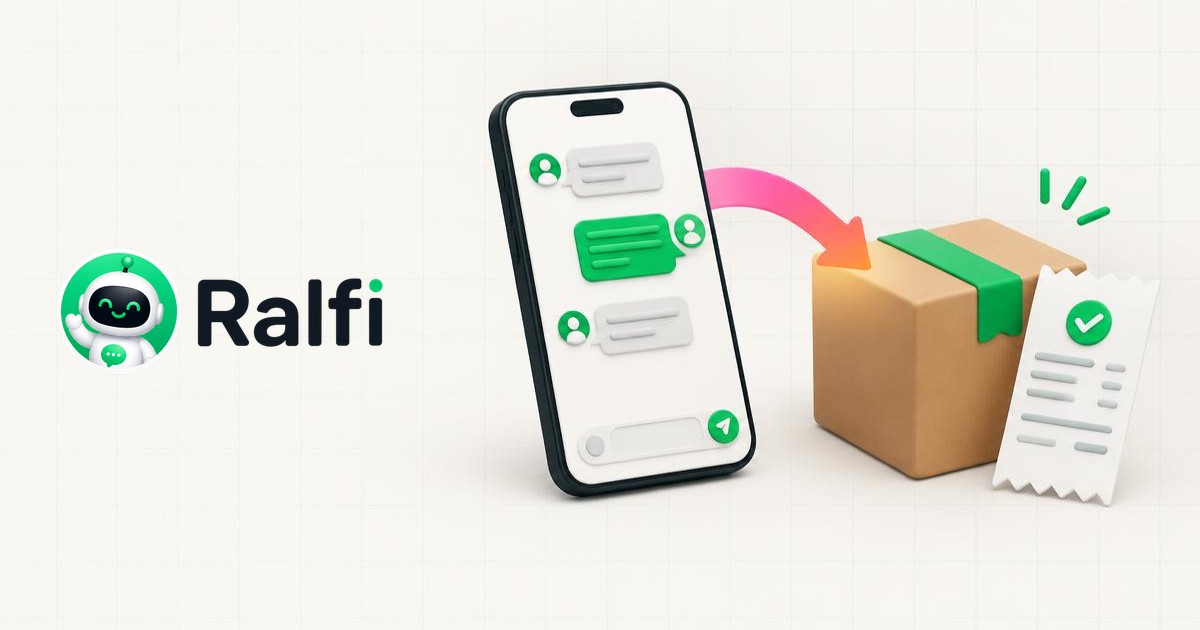
You can connect WhatsApp to your e-commerce platform, like Shopify or WooCommerce. This lets you sell directly inside the chat.
- Search for products in the chat. A customer asks for a product. You can show them the available items with pictures and prices, right in WhatsApp.
- Build the cart. You can add products to the customer's cart from the chat. The customer just has to say yes.
- Send payment links. Once the cart is ready, you send a payment link. The customer clicks and pays. The order appears in your store's system.
The whole sale happens in one conversation. The customer does not have to leave WhatsApp to buy from you.
Create simple rules for your team
Good tools are not enough. Your team needs to be consistent. If one person is formal and another uses jokes, your shop's voice is confusing. It can lead to mistakes.
Make a short guide for your team. It should explain how to use WhatsApp for sales.
- How to talk to customers. Decide if your tone is formal or casual.
- How fast to reply. Set a goal, for example, reply to new messages in under 15 minutes.
- How to use labels. Explain what each label is for so everyone uses them the same way.
- When to ask for help. Tell your team when to pass a chat to a manager.
- Things to avoid. List what not to do. For example, promising discounts you haven't approved.
The guide doesn't need to be long. Just make it clear and make sure everyone can read it.
Take back control
Selling on WhatsApp can get messy. But it doesn't have to be.
When you centralise your messages, organise the work, and automate simple tasks, you can sell in a professional way. You can handle more orders without losing control.
Ralfi is a tool built for this. It puts all your WhatsApp conversations in one place. Its AI assistant connects to your shop's catalogue. Ralfi checks the stock, answers product questions, builds the cart, and sends the payment link. This helps you manage your sales on WhatsApp.