Integrations
Connecting Shopify or WooCommerce to a chat assistant: what to sync and why
Learn which data to sync between your Shopify or WooCommerce store and a chat assistant to answer questions, build carts, and improve customer service.
Ralfi6 min read
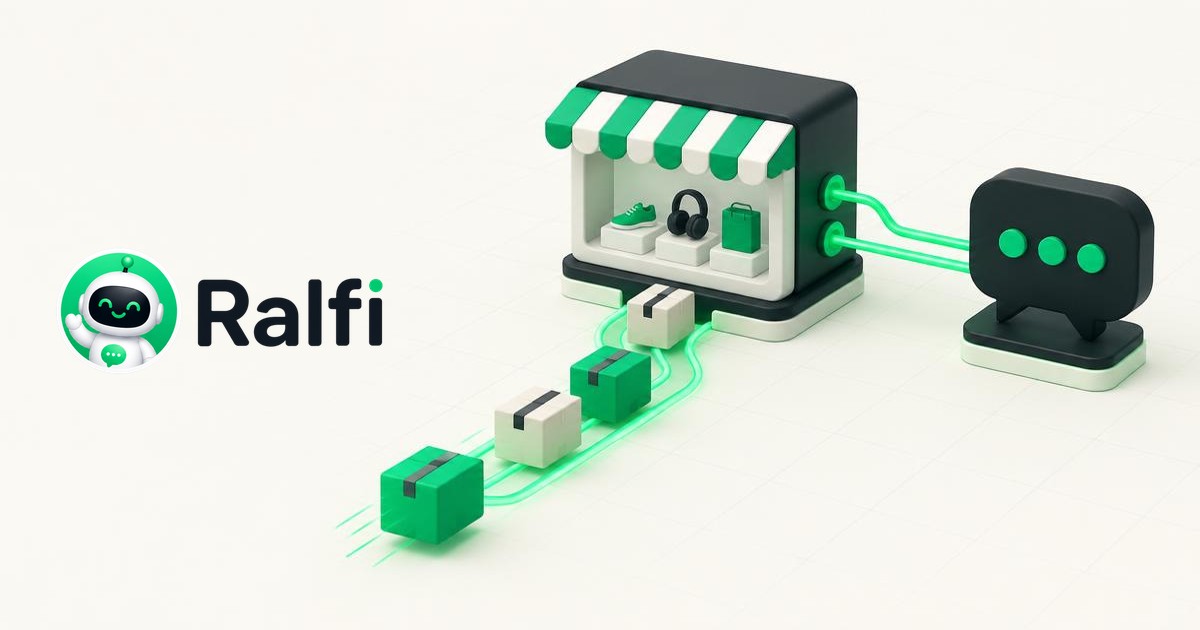
A chat assistant for your shop needs to connect to your store's data. If it is not connected, it can only answer basic questions, like a FAQ. When you connect it to your Shopify or WooCommerce, it becomes a real tool for sales and support. The assistant can talk to customers and also do things for them. This guide explains what data to connect.
Connect your product catalogue
Your assistant needs to know everything about your products. This is the most important step. Without it, the assistant cannot answer customer questions correctly.
You should connect this information:
- Product names and descriptions. The assistant uses these to find and describe items.
- Prices. This includes any sales or discounts. Prices must be correct.
- Images. The assistant can show customers the products.
- SKUs. These are codes to identify specific products and variants.
- Variants. This means sizes, colours, and materials. A customer might ask "Do you have this in blue?". The assistant needs this data to answer.
- Categories and tags. This helps the assistant filter products and suggest things. For example, it can find all "full-bodied red wines".
Connecting your catalogue stops the AI from making things up. It should only talk about products you actually sell.
Use real-time stock levels
The assistant must know if a product is in stock right now. A customer gets frustrated if they try to buy an item that is sold out. You can lose the sale and the customer.
Your stock information needs to be live. When a sale happens, the stock count must update everywhere. On the website, in the assistant, and in your shop system. This stops you from selling products you do not have. You avoid cancellations and refunds.
With live stock levels, the assistant can be more helpful. It can tell a customer a size is sold out. It can suggest another colour that is in stock. It can also say when the product will be back. Or it can say "Only 2 left in this size".
Let customers add to cart in the chat
This lets the assistant sell. When a customer wants to buy, it should be easy.
The connection to your store should let the assistant:
- Add products to the cart. The customer can say "I'll take it". The assistant adds the right product and variant to the cart.
- Show and change the cart. Customers can see what is in their cart. They can remove items or change the quantity.
- Create a checkout link. The assistant makes a payment link. This link takes the customer to the checkout page with their items already in it. Some assistants can take payments like Stripe inside the chat.
This way, the customer can buy right away. They do not have to leave the chat, find the product again, and add it to the cart themselves. Fewer steps means fewer lost sales.
Adding multiple items at once
A good assistant can understand a list of items. A customer might say "I want the red wine, the cheese, and the honey." The assistant should add all three products to the cart in one go. It does not need to ask about each item one by one.
Connect customer data for better service
If a customer is logged in, the assistant can give them personal service. You must handle customer data correctly, following rules like GDPR.
You can connect this customer information:
- Customer accounts. Their name, email, and saved addresses.
- Order history. What they bought before.
This lets the assistant answer questions like "Where is my order?". It can look up the order and give the customer the tracking number. This saves your support team time for other work.
Order history also helps with recommendations. For a cosmetics shop, the assistant can see a customer bought a serum. It can then suggest a new night cream from the same product line.
Connect your calendar for bookings
If you sell services or appointments, connect your calendar. The assistant can connect to Google Calendar or Outlook Calendar. This helps you manage bookings automatically.
The connection works both ways. The assistant checks your calendar for free time slots. When a customer books, the assistant adds the event to your calendar. This avoids double-bookings. It also saves you from handling bookings by email or phone.
For example, a bike shop could offer repairs. A customer can use the chat to describe the problem. Then, the assistant can book a time for the repair. The customer can do it all in one chat, anytime. They do not need to talk to a person.
A connected assistant works for you
The difference is the connection to your shop's platform. A disconnected assistant just answers questions. A connected assistant knows your products, stock, customers, and calendar.
This connection lets it do useful work. It can build a cart, complete an order, or give personal support. Ralfi is built to connect this way with your shop. It becomes part of your team and helps you make sales.